Getting my Tello drone to follow my face
Could I get my drone to follow my face using its camera and some Python?
The question
Could I get my Tello drone to follow my face using its camera and some Python?
I had a Tello and wanted to make that work. The idea was to find my face in the camera feed, work out where it sat in the picture, and send movement commands back to the drone. I got it following my face.
This was before generative AI coding assistants became commonplace. Computer vision already had useful pretrained models, though, and one of those did the face detection here.
My approach
I connected the drone to a Python program through TelloPy, a library for controlling the Tello and receiving its video. The processing ran on the computer: read the video, detect a face, calculate a correction, and send the next flight command.
A Flask endpoint streamed the annotated video to a browser. That let me see the camera feed alongside the detection boxes, the image centre, and flight information.
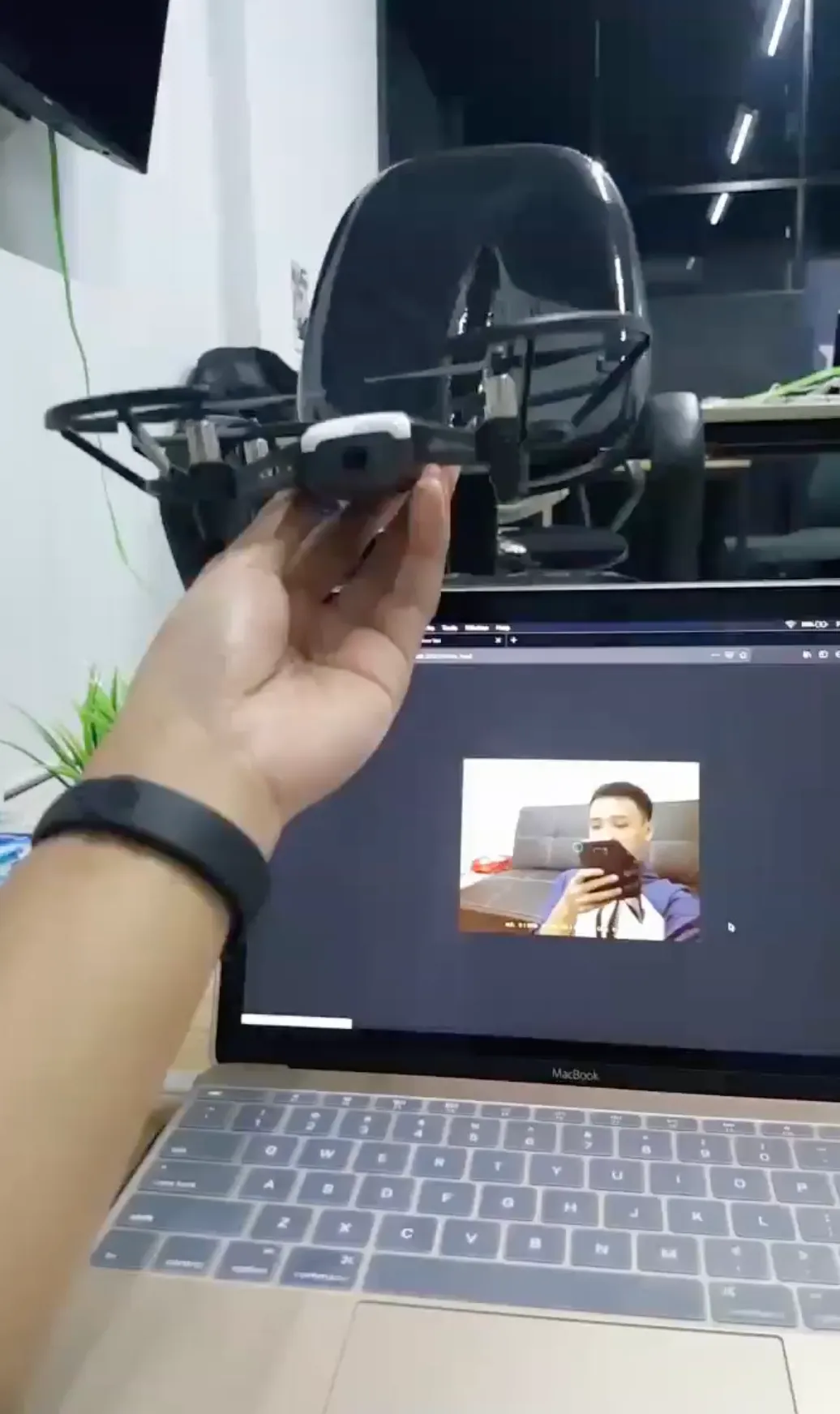
A still from my recording, with the camera feed on the laptop.
How it worked
The detector was OpenCV’s Haar Cascade, loaded from haarcascade_frontalface_default.xml. This is a pretrained model for detecting frontal faces. It checks patterns of light and dark regions through a sequence of classifiers, rejecting unlikely regions along the way. OpenCV’s cascade classifier documentation explains that approach.
I used an existing detector; I wasn’t training a model of my own face. It could locate a face without knowing who that person was.
The program decoded the drone’s video with PyAV, resized frames to 500 pixels wide, and converted them to grayscale for detection. detectMultiScale looked for faces at different sizes. The tracking code compared detected face centres with the previous target’s centre to favour a nearby detection. That was a simple continuity heuristic, not identity recognition.
flowchart TD
    accTitle: Tello face tracking feedback loop
    accDescr: The computer decodes the drone camera feed, detects faces, compares the target position and size, and sends movement commands back to the drone. An annotated preview is also streamed to a browser.
    A[Tello camera feed] --> B[Decode and resize on the computer]
    B --> C[Grayscale frame and Haar face detector]
    C --> D[Compare face centre and width with targets]
    D --> E[Proportional movement commands via TelloPy]
    E --> F[Drone moves]
    F --> A
    C --> G[Annotated video via Flask]
    G --> H[Browser preview]
The movement rules used three measurements:
- Height: compare the face’s vertical centre with the frame’s vertical centre, then adjust up or down.
- Direction: compare the horizontal centres, then turn the drone clockwise or counterclockwise. This was rotation, not sideways movement.
- Distance: compare the face box’s width with a target of one sixth of the image width, then move forward or backward. Face size was a rough distance cue, not a distance measurement in metres.
Each command was proportional to the current error: a bigger mismatch produced a stronger correction. The code used gains of 0.35 for height and rotation, and 0.8 for forward movement. Although the variable names included kpki, only the proportional term was used; this wasn’t a full PID controller.
Detection turned the image into coordinates. Those coordinates gave the flight controls something to respond to, repeatedly, as the camera view changed.
The result
I got the drone to follow my face. The recording also captured the drone in the air and a red target box in the laptop preview.
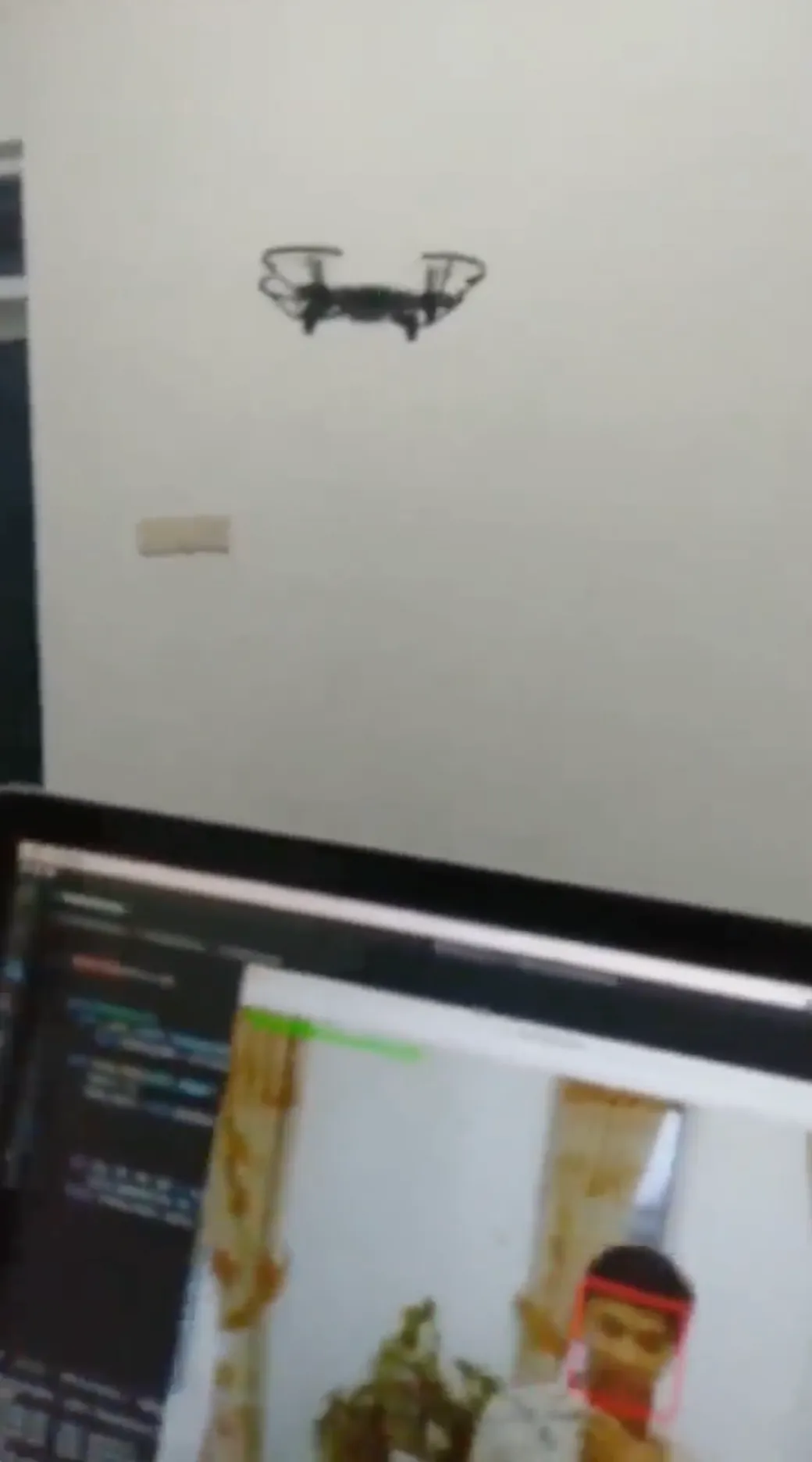
A still from the flight recording with the selected face highlighted.
Watch the video on LinkedIn
My code now had something to move outside the screen. The box around my face became a set of instructions: turn, adjust height, move closer, or back away. I had connected what the camera could see to what the drone could do.
The tracking implementation and detector wrapper are available in the repository.