Face recognition at the door
How could a camera and a card work together to control a door?
The question
How could a camera and a card work together to control a door?
I built a Raspberry Pi door-access prototype with a screen, face recognition, a card reader, and a physical lock. Recognising a face was the first step. The person then had to tap the card associated with that identity.
Alongside the door prototype, I also worked on a separate Python experiment combining face recognition and mask detection.
Face first, then a card
The interface was an Angular application built on a MagicMirror starter. It showed the time and weather, with space for a camera preview and prompts for the person at the door.
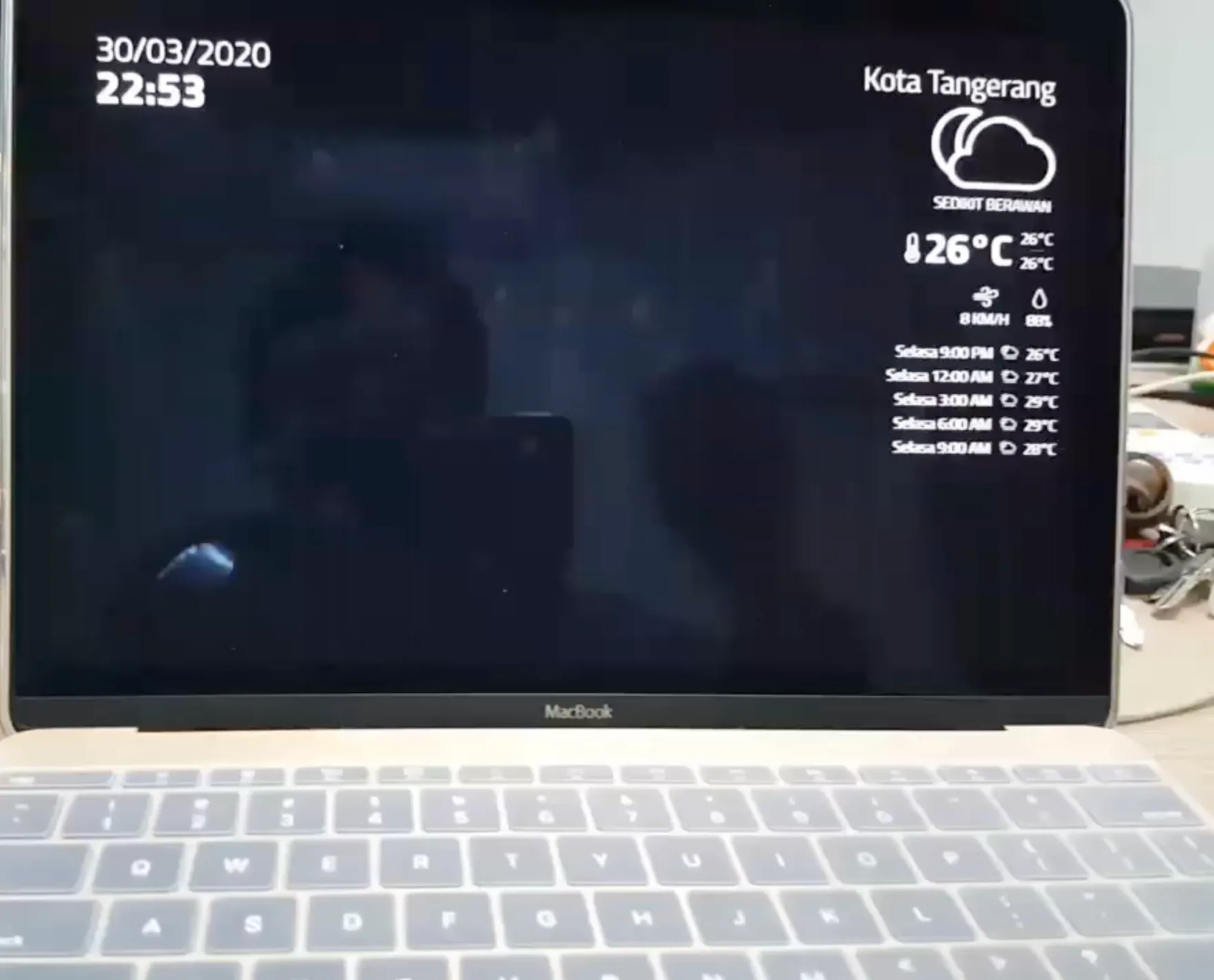
In the browser, pico.js located faces in the camera frames. Once a face was detected, the application captured a still image and sent it to a recognition service. Face detection supplied the image to check; the service returned the person’s identity and associated card details.
A recognised person saw a greeting and a card-tap prompt. The application compared the scanned card with the card returned for that person. A mismatch displayed an error. A match submitted an attendance record, and a successful response triggered the door-open request.
That gave the camera and the card different jobs: the face selected the person, and the card had to match that selection before the application continued.
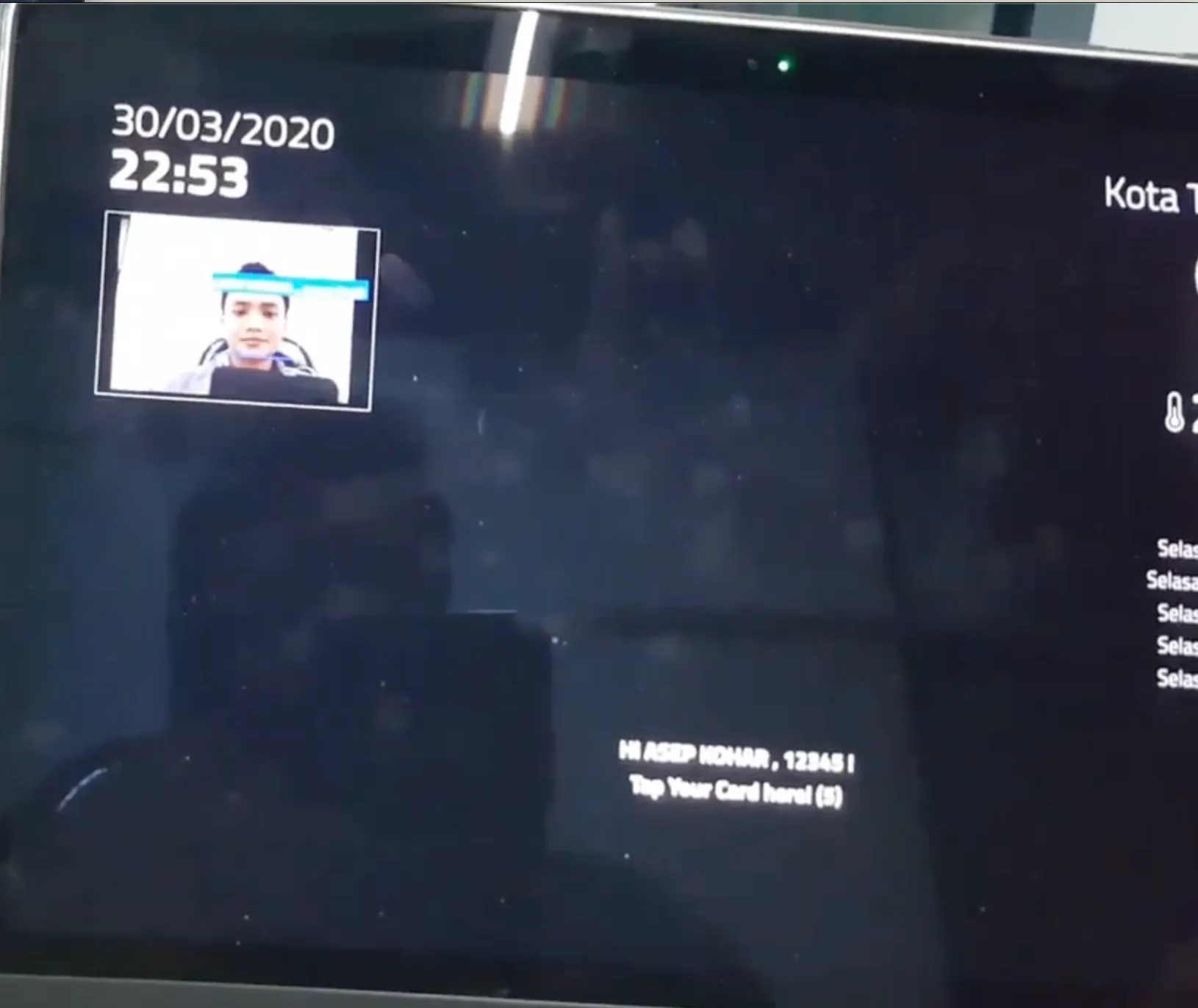
The interface showing the recognised face and a card-tap prompt.
From the screen to the lock
The browser called a small Flask service on the Raspberry Pi. That service controlled a GPIO output connected to the lock’s relay circuit. Its open operation held the output in the opening state for five seconds, then restored the closed state.
The interface also listened for distance updates over a socket connection and used an approaching distance reading to request a face scan. The hardware setup included an ultrasonic sensor alongside the RFID reader, relay, power supply, and electromagnetic lock.
flowchart TD
    accTitle: Successful face and card entry
    accDescr: The successful entry path detects a face in the browser, recognises the person, matches their card, and records attendance. The Raspberry Pi then operates the lock relay and restores the closed state after five seconds.
    A[Detect face in the browser] --> B[Recognise the person]
    B --> C[Match their scanned card]
    C --> D[Record attendance successfully]
    D --> E[Flask service operates lock relay]
    E --> F[Restore closed state after five seconds]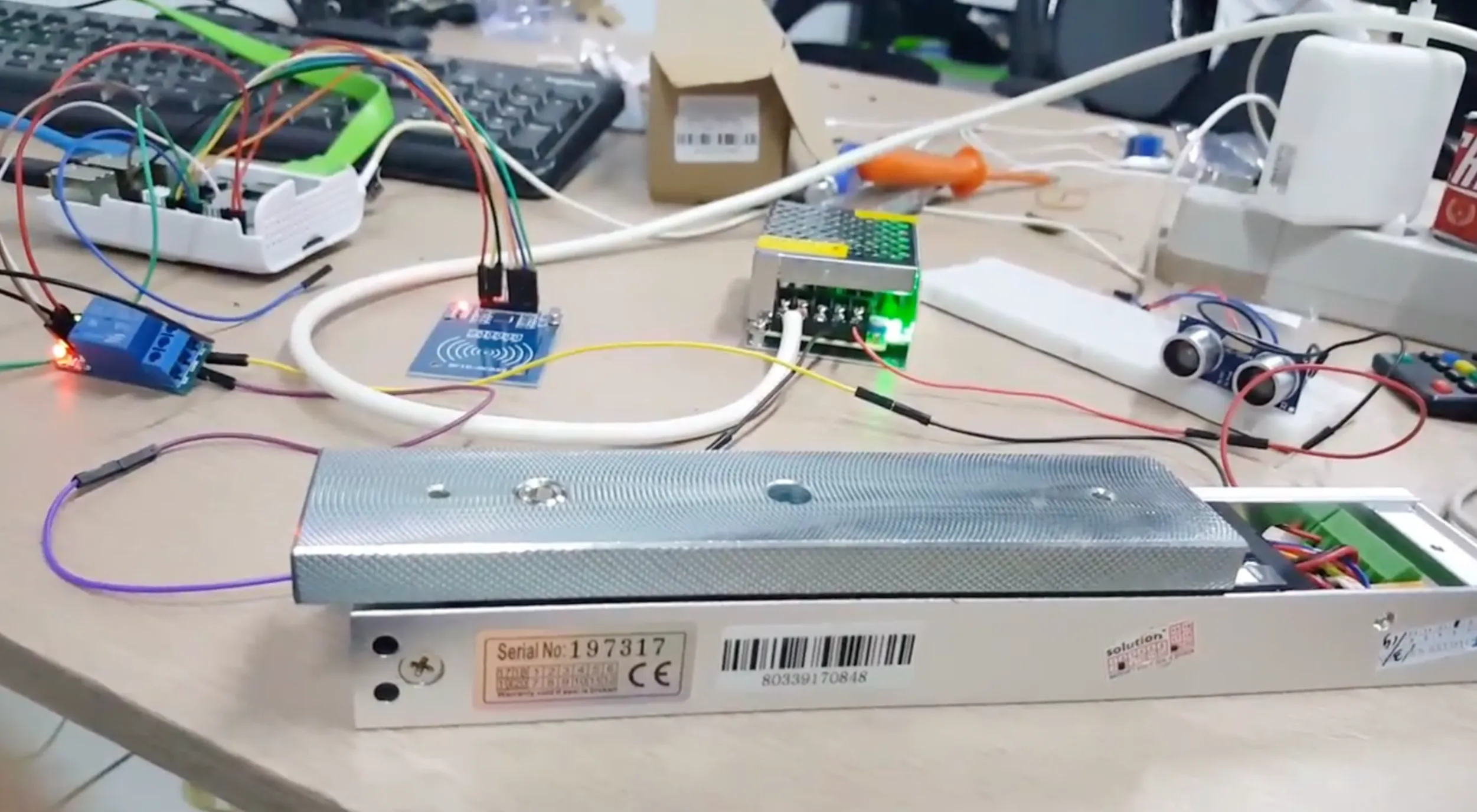
A separate mask-detection experiment
The Python camera experiment used a different pipeline. OpenCV’s pretrained Haar Cascade located faces, while another cascade detected smiles. A smile triggered an identity lookup through AWS Rekognition. Once a face matched, the script moved on to a local mask classifier.
For recognition, an enrolment script indexed reference photos from S3 into a Rekognition face collection. The camera script then searched that collection using a cropped face image. This used Rekognition’s existing face-matching service; the separately trained model handled the mask categories.
That mask model was a small convolutional neural network defined in TensorFlow/Keras:
- A 150 × 150 colour image as input, with pixel values scaled from zero to one.
- Three convolution and max-pooling stages, using 32, 64, and 128 filters.
- A flattening step and a dense layer with 256 units.
- Two softmax outputs for the mask categories.
The training pipeline used image folders for faces with and without masks. It augmented training images with rotations, shifts, zoom, and horizontal flips, and selected saved checkpoints using validation loss.
At runtime, the script resized the detected face crop and passed it to the saved model. An accepted classifier result triggered a brief welcome message and reset the identity state. The classifier’s output score was a decision input, not a measured accuracy for the whole door system.
This was a separate camera workflow. The face-and-card application above did not call the mask classifier, so the two flows should not be read as one combined entry check.
See it working
The prototype brought the camera preview, a personal greeting, a card prompt, and lock hardware into the same experiment. The recording below is the source of the screenshots in this article.
Watch the video on LinkedIn